
For wholesalers
Build the list from the filings.
Lis pendens, foreclosure cases and sheriff sales are public record. Filter them into a list, put an owner and a mailing address on it, work the numbers, and hear when the next filing lands.

How you use it
01
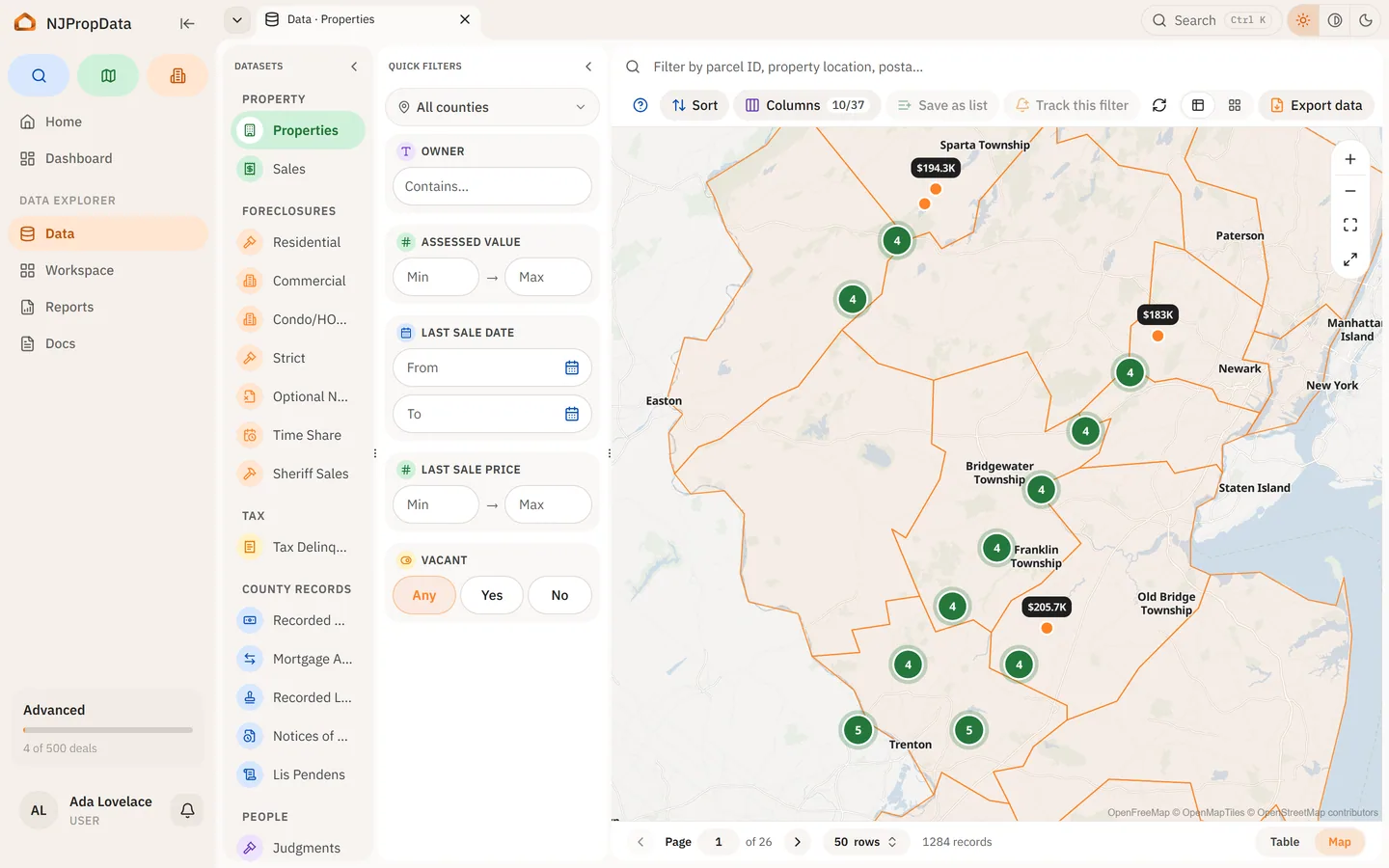
Build a distress list from the record
Filter the lis pendens, foreclosure and sheriff sale tables by county, municipality and date. Save the filter and it becomes a list that re-runs every time you open it, so it stays current.
02
Put an owner on every row
On Pro the owner columns carry the owner name and mailing address, and a foreclosure shows its named parties, so every row on the list names the person behind it.
03
Run the numbers on the deal board
Move a property onto the pipeline and work it up: purchase, rehab and bid worked out per deal, then compared side by side with the others you are holding.

04
Hear when a new filing lands
On Pro, point an alert at the saved list. Lists are re-evaluated every fifteen minutes, so a new lis pendens or sheriff sale in your counties reaches you immediately or in a daily digest.


Who sees what
- Free
- The property table, view only.
- Pro
- Lis pendens, foreclosure cases and sheriff sales with owner names and mailing addresses, saved filters with alerts on them, the deal board, CSV downloads, and extra tracked-property packs when you need room for more.
Also built for
- Realtors
Prepare a listing from the record, price against recorded sales, and farm a neighbourhood.
- Attorneys
Open a case by docket number, read the instruments in order, and export the property report.
- Investors
Screen the market, read a parcel’s history, work and compare deals, and walk the block.
- Homeowners
Your assessment and taxes, your block, the filings on your house, and an alert when they change.
Type an address.
Read the property record now. Pick a plan when you need the owner and what is filed against it.